
AI Product Color Changer
FREEUpload your product and change its color to any shade — instantly with AI
Upload Product Image
Drag & drop or click to browse
PNG, JPG, or WebP
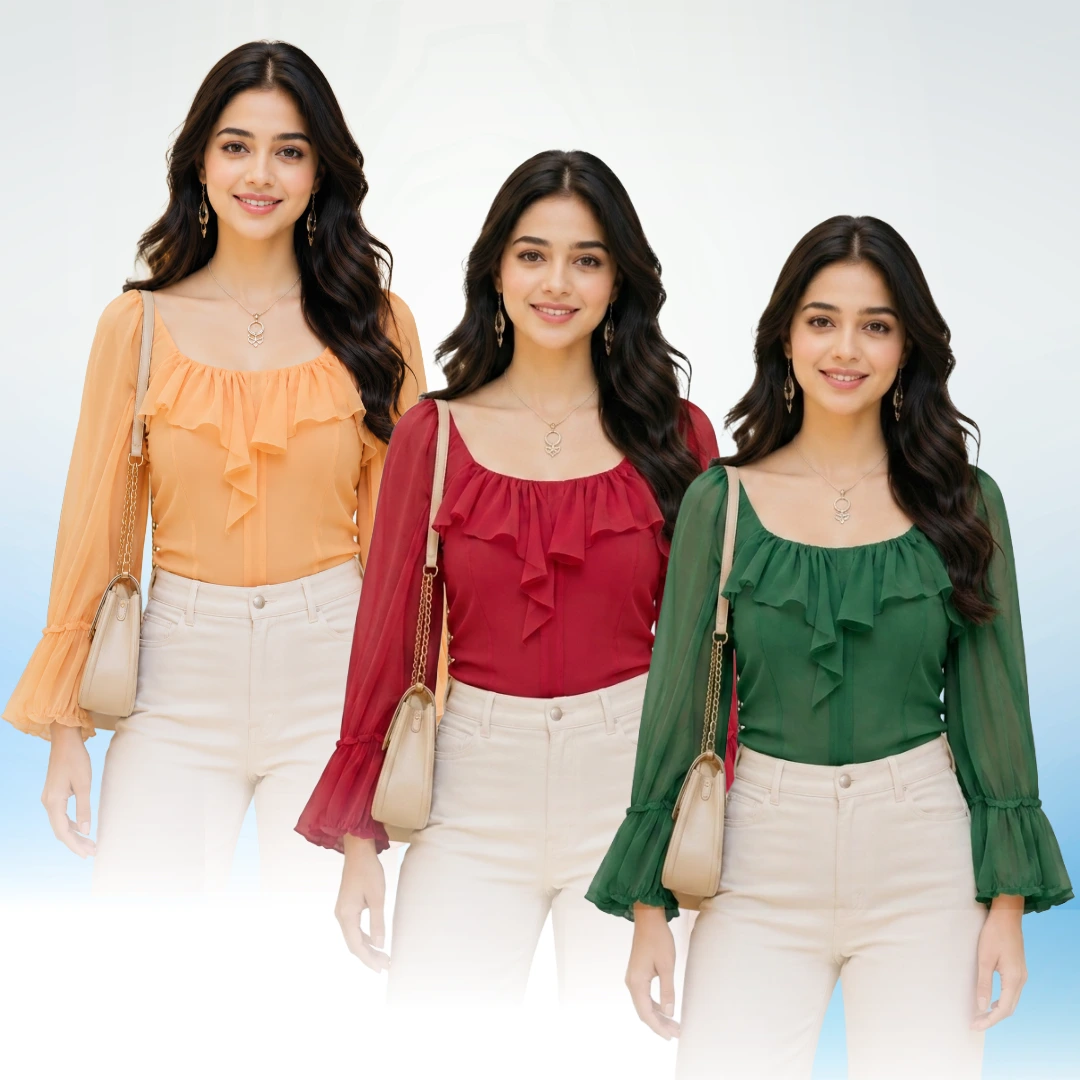
Color Changer Result Preview
Upload a product, pick a color, and generate
Change Your Product Color Instantly with AI
AfterTaken's AI Color Change tool lets you transform the color of any product in a photo — instantly, realistically, and without a Photoshop subscription or design skills. Upload one product image, pick from 16 preset colors or describe any custom color in plain language, and the AI handles the rest: it intelligently recolors your product while preserving every shadow, highlight, texture, and material detail that makes the image look real.
Whether you sell on Amazon, Shopify, Etsy, Meesho, or any other marketplace, AfterTaken's color change tool helps you create a complete range of color variants from a single product photo — saving you the cost and time of multiple studio shoots.
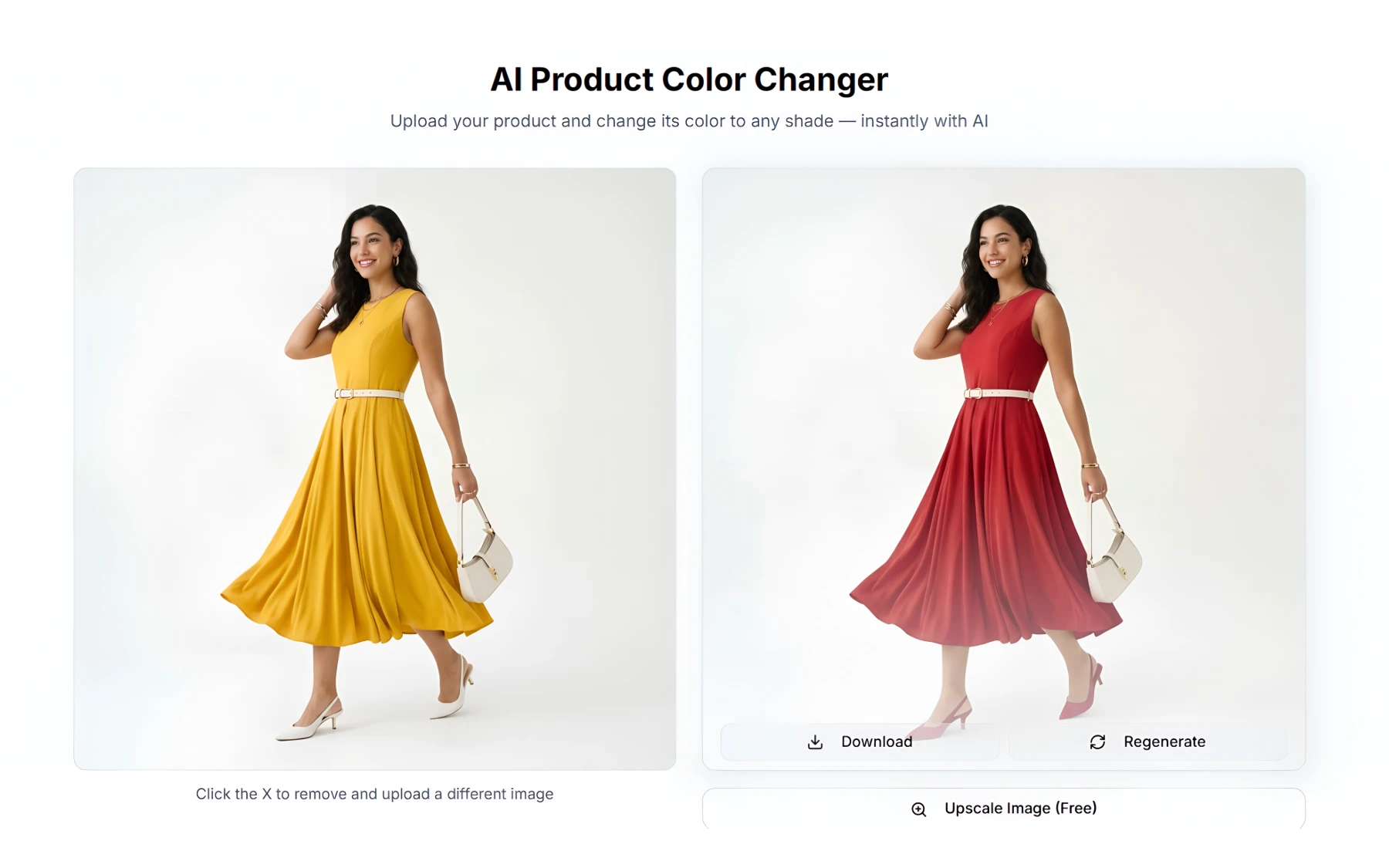
How AfterTaken's Color Change Tool Works
Upload Your Product
Upload a high-quality product photo in JPG, PNG, or WebP format. Plain backgrounds work best for accurate results.
Pick or Describe the New Color
Choose from 16 preset color options for instant one-click selection, or describe any custom color in plain language — e.g. 'matte olive green' or 'pearl white with a glossy finish'.
Generate & Download
AfterTaken's AI recolors your product in seconds, preserving all textures, shadows, and material properties. Download and use immediately.
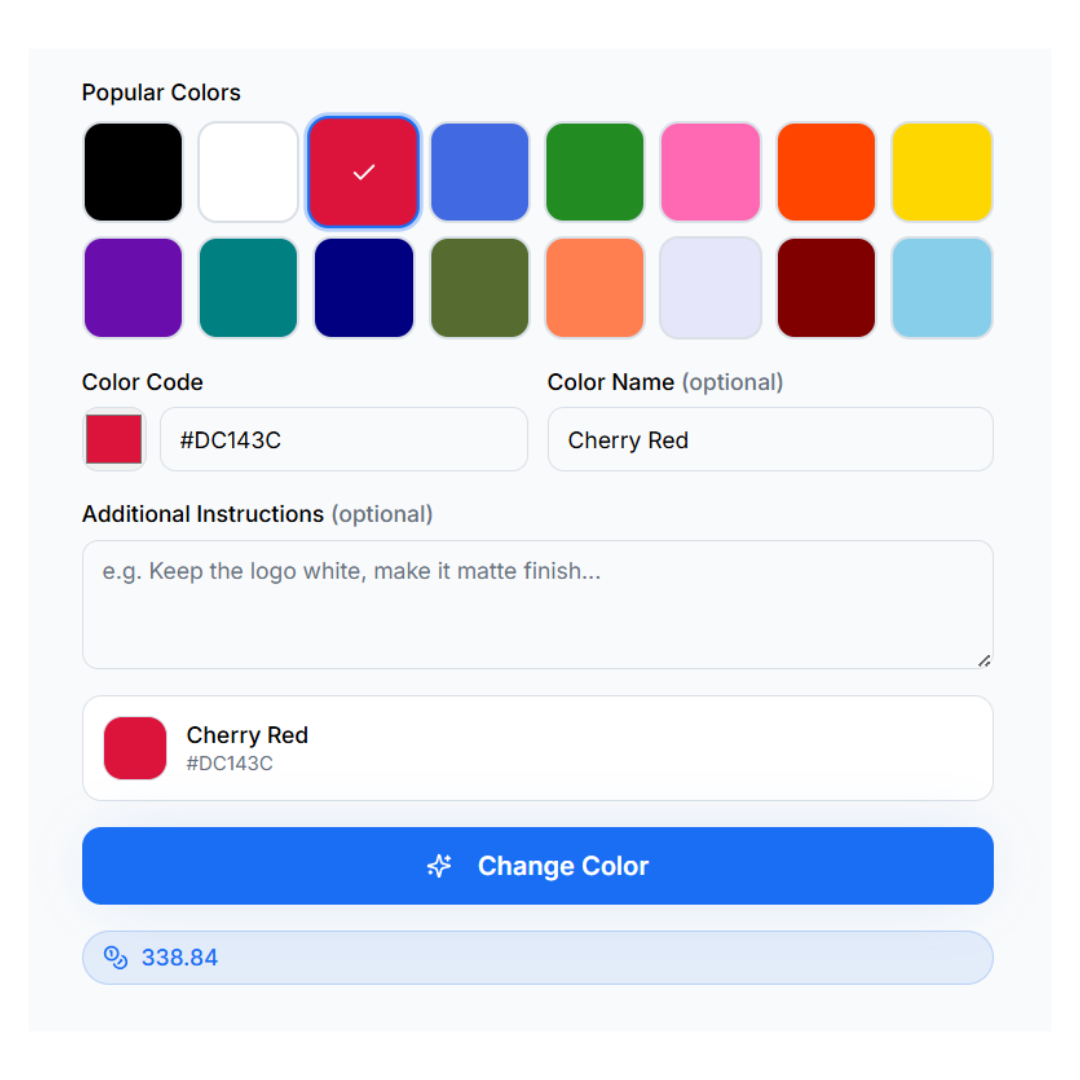
AfterTaken's color picker UI — choose from presets or enter any custom color.
See the AI Color Change in Action
Drag the slider left and right to compare the original product with the AI-recolored version. Notice how every shadow, texture, and highlight is preserved.
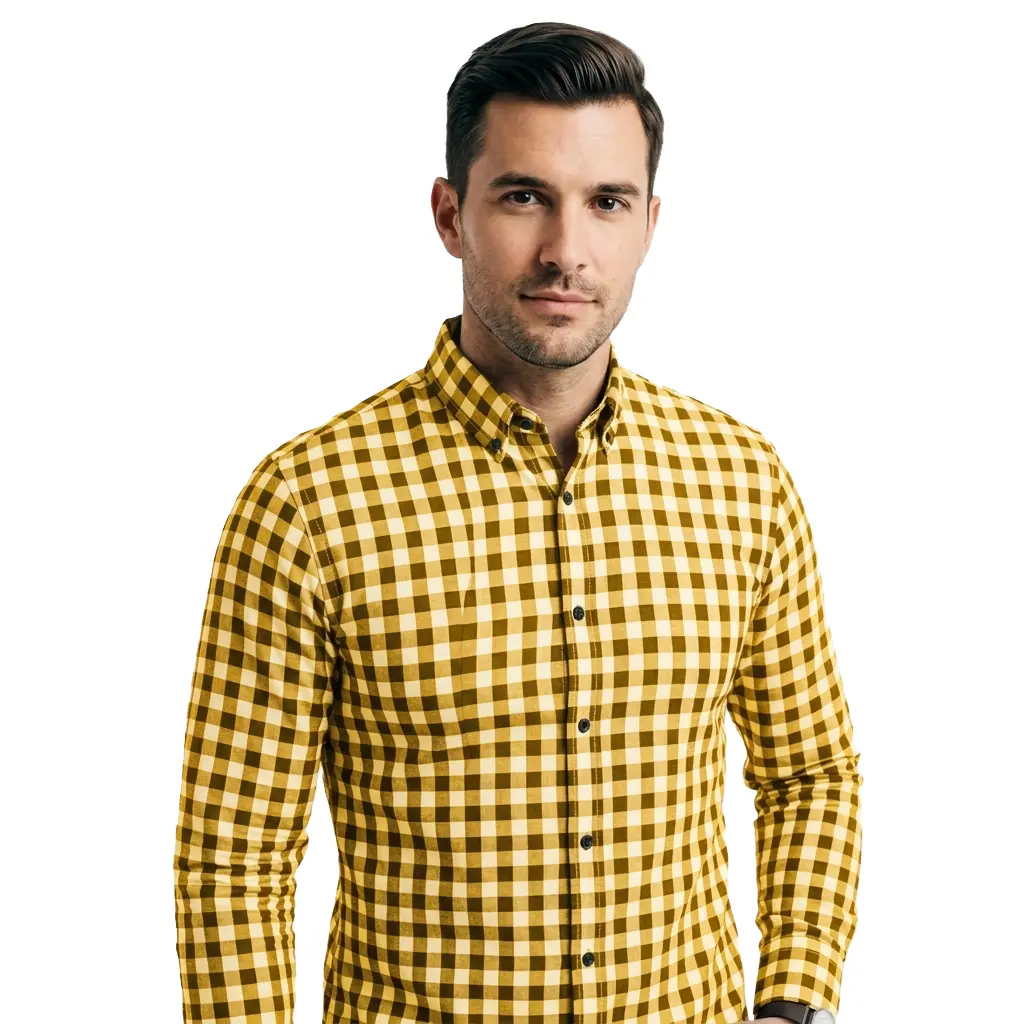
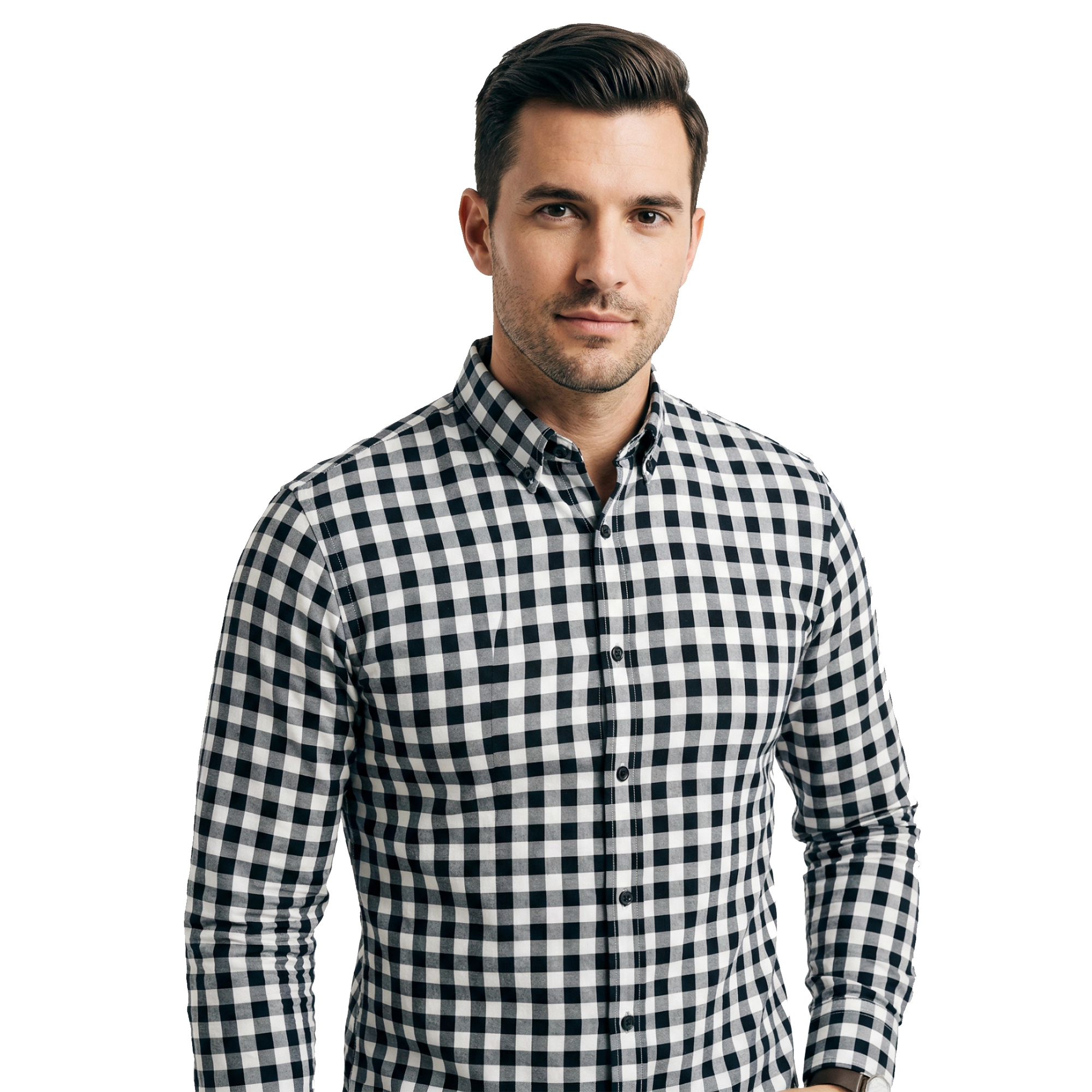
Men's checkered shirt — black & white to golden yellow
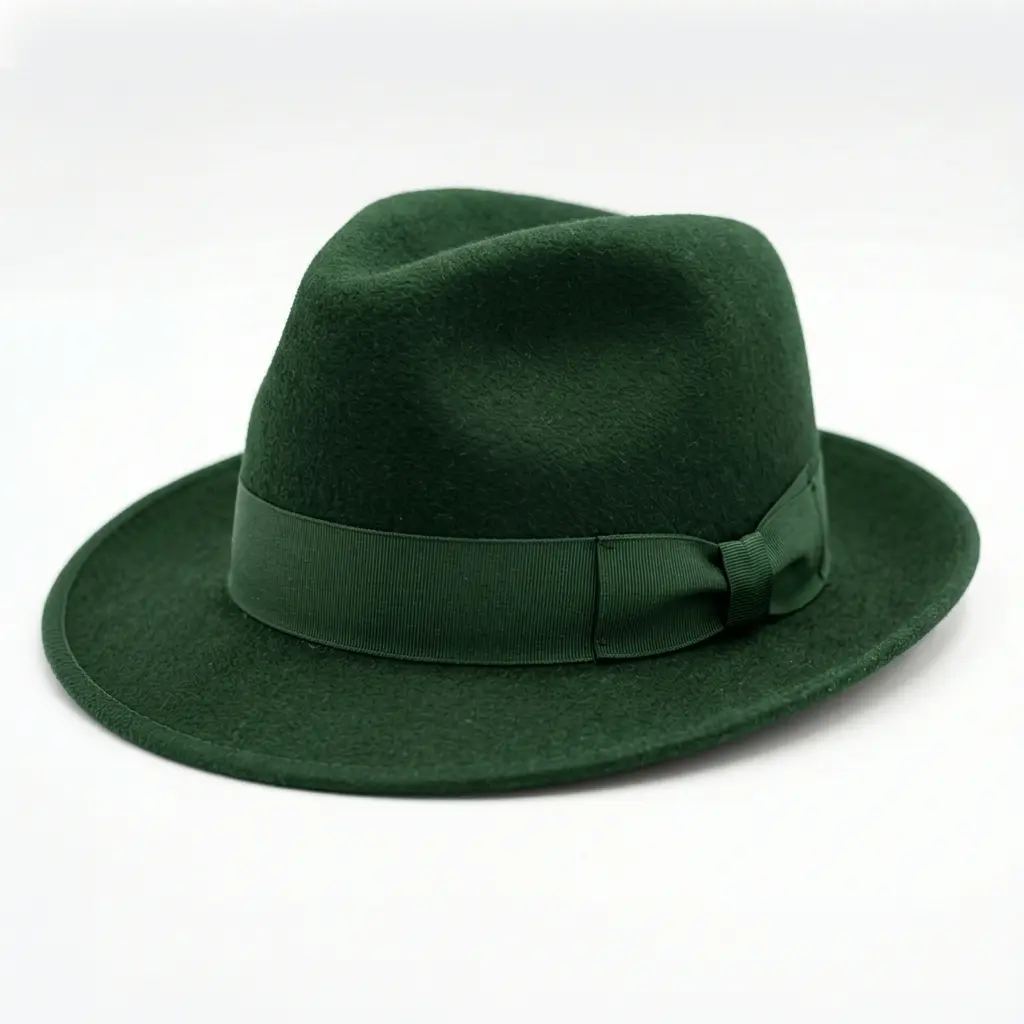
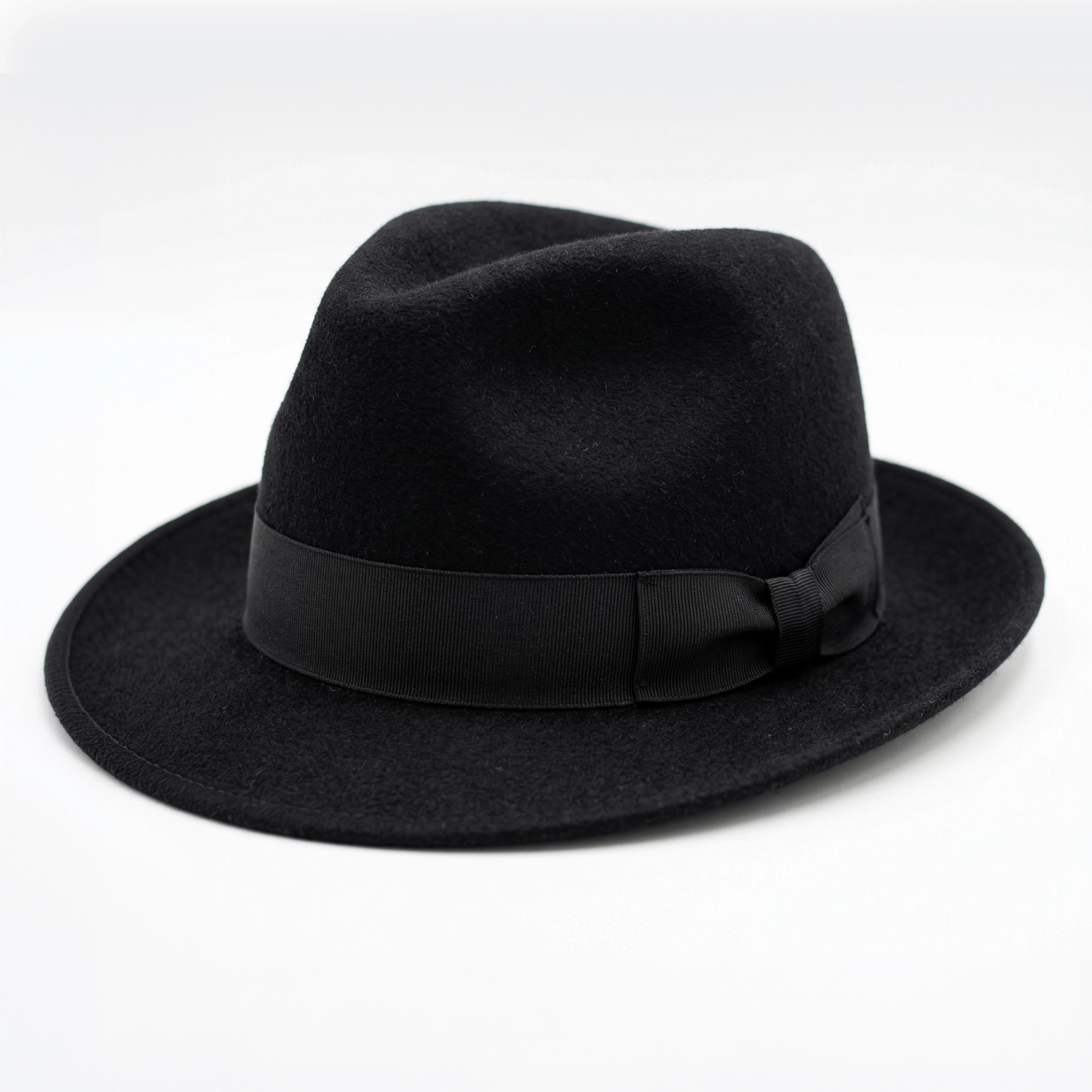
Fedora hat — black to forest green
Why Use AI to Change Product Colors?
Traditionally, if you sold a bag in five colors, you needed five separate product shoots — five days, five setups, and five times the cost. AfterTaken changes that equation entirely:
- • Expand your product catalog without producing or shipping physical color variants
- • A/B test new colorways with real customers before committing to bulk manufacturing
- • Maintain perfectly consistent lighting and backgrounds across all color variants
- • Meet Amazon and Flipkart listing requirements for multiple color option images
- • Create seasonal or limited-edition color variants in minutes for campaign launches
- • Reduce photography costs by 80–90% compared to re-shooting each color separately
Why AfterTaken's Color Results Look Photorealistic
Texture-Aware Recoloring
The AI analyzes the material properties of your product — whether it's matte plastic, glossy leather, rough fabric, or reflective metal — and applies the new color in a way that matches how that material actually interacts with light.
Shadow & Highlight Preservation
Every shadow, specular highlight, and gradient from your original photo is retained under the new color. This keeps the product looking three-dimensional and believable, not like a flat color block.
Material Consistency
If your product has a glossy finish, the AI maintains that glossiness in the recolored version. Metallic products retain their sheen. Fabric products keep their weave and texture.
Who Uses AfterTaken's Color Change Tool?
Amazon & Flipkart Sellers
Create all required color variant images for your listings without re-shooting. Meet marketplace image guidelines across every SKU.
Fashion & Apparel Brands
Generate full seasonal colorway collections from a single sample garment. Test colorways with customers before going into production.
Cosmetics & Beauty
Show lipstick, eyeshadow, or nail polish in every shade from one product photo. Ideal for Shopify stores and beauty marketplace listings.
Home Décor & Furniture
Display sofas, cushions, curtains, and décor items in multiple fabric colors or finishes without reshooting every variant.
D2C Shopify Brands
Launch new colorways instantly for campaigns without waiting for production samples. Speed up go-to-market timelines significantly.
Freelance Photographers
Offer color variant generation as an add-on service to your eCommerce photography clients — a new revenue stream with zero extra shoot time.
Tips for Getting the Best Color Change Results
- • Use a clean, well-lit product photo — avoid harsh shadows or overexposed areas
- • Plain or simple backgrounds give the AI more accuracy on the product edges
- • Use the 16 preset colors for quick, reliable results on common color needs
- • For unique shades, use the custom description option and be specific: 'deep navy blue matte finish' works better than just 'blue'
- • For metallic or reflective products, mention the finish type in your prompt (e.g. 'rose gold satin')
- • Generate 2–3 variations of the same color to pick the most realistic result
Flexible, Pay-As-You-Go Pricing
- • 5 free credits on signup — no credit card required
- • Pay-as-you-go: generate only what you need, when you need it
- • Free upscaling included after every generation — download high-resolution files
- • Available in INR and USD — ideal for Indian and international sellers alike
Frequently Asked Questions
What types of products work with AfterTaken's color change tool?+
How do I choose the color I want?+
Will the color change look realistic, or will it look edited?+
Can I change multiple colors on the same product at once?+
How many color variants can I generate from one product photo?+
What image formats and sizes are supported?+
Can I use the generated color variant images on Amazon or Flipkart?+
Ready to Change Your Product Colors?
Upload a product photo, pick a color, and generate a photorealistic color variant in seconds.