
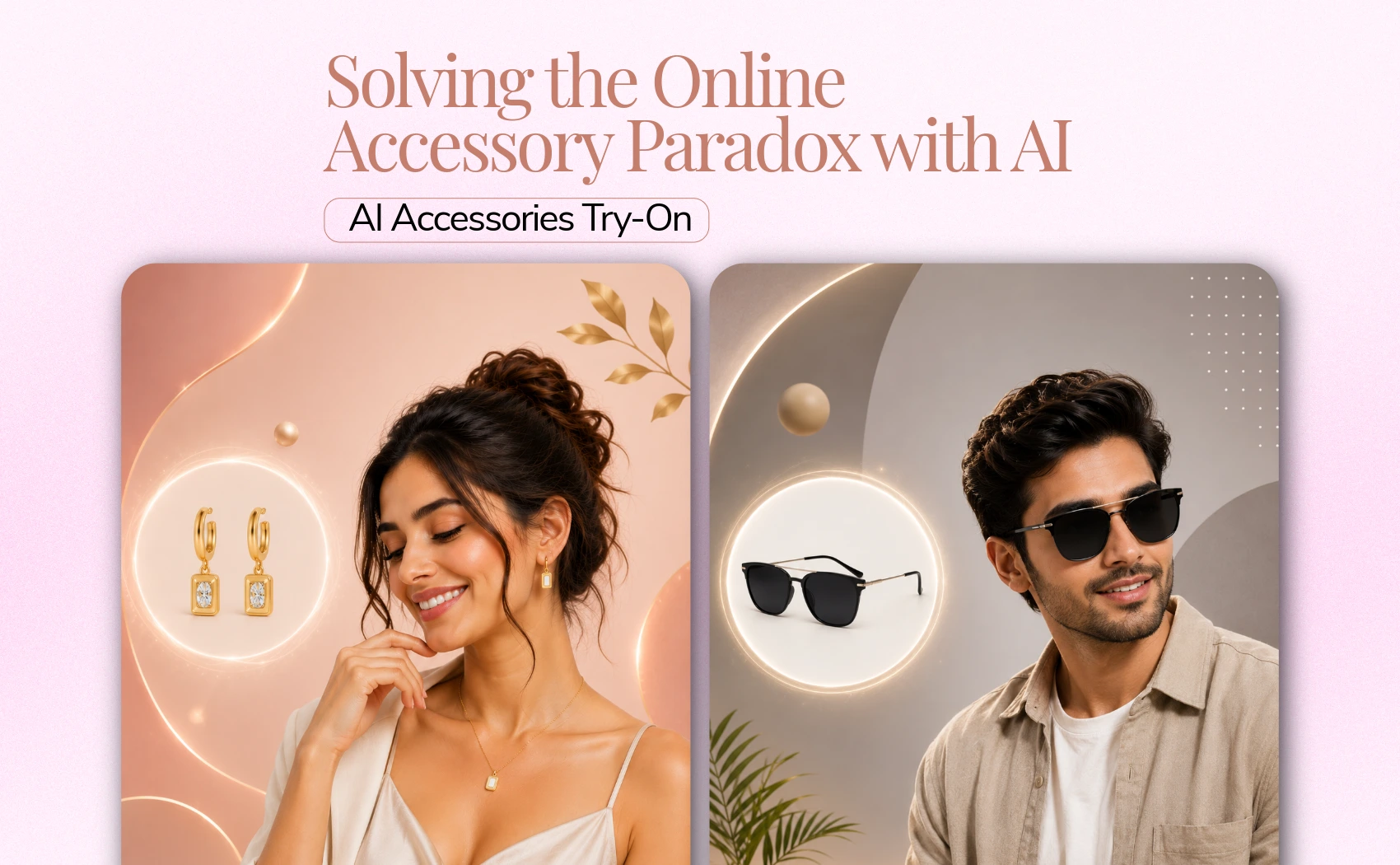
In the competitive e-commerce market, every seller wants the best product visualization of accessories with human but, in the world of AI, product visualization become very easy and cost effective. If we tell about accessories try-on such as; earrings, necklace, sunglasses, handbags and wristwatches then, AI is the better way to create best accessories product photos.
A pair of earrings shot flat on a plain white background tells a shopper nothing about its scale relative to a real earlobe or jawline. A luxury watch resting on a tabletop cannot convey the texture, weight, and proportion it has on a human wrist. This visual disconnect leads to two critical problems for online retailers: low add-to-cart conversion rates and high return rates driven by mismatched consumer expectations.
This is where AI-driven Accessories Try-On technology steps in. In this guide, we will explore how advanced neural image rendering is solving these scale and fit challenges for accessory brands, and how you can leverage AfterTaken's AI capabilities to scale your catalog's visual production without traditional photoshoot overheads.
1. The Online Accessory Paradox: High Intent, High Returns
Unlike loose-fitting clothing, accessories are personal items defined by precision. A difference of a few millimeters can completely alter how a pair of sunglasses fits a particular face shape, or how a gemstone pendant sits relative to a collarline.
According to global e-commerce return statistics, over 30% of all online returns in the jewelry and fashion accessories sectors are due to the item looking 'different than expected in terms of size, scale, or color.' Mannequins offer little help; they lack the natural skin tones, hair textures, and facial contours that human models possess.
Yet, hiring professional models, makeup artists, and photographers for every single SKU is financially unsustainable for mid-sized brands. The startup costs of booking a studio session can easily exceed $1,000 per day, making it impossible to launch new collections at speed. AI try-on offers a high-fidelity solution to this operational bottleneck.
2. How AI Bridges the Gap: Under the Hood of Try-On Engines
Modern AI try-on engines, like the one powering AfterTaken's AI Accessories Try-On, do not simply overlay a product image on top of a model photo like a digital sticker. Doing so results in a flat, artificial finish that instantly destroys buyer trust.
Instead, the AI employs a sophisticated multi-step neural rendering process to guarantee realism:
- Semantic Image Analysis: The AI scans the structural anatomy of the selected model (face, ears, neck, wrist, or shoulder) to establish exact 3D spatial orientation.
- Perspective and Scale Correction: The system reads the flat accessory photo, automatically cropping, scaling, and rotating the product to match the perspective angle of the model's body.
- Natural Lighting & Shadow Synthesis: To achieve high fidelity, the AI calculates the environmental lighting of the model and casts realistic shadows and reflections onto the accessory, blending it naturally into the scene.
- Occlusion Handling: If the model's hair hangs over their ears, or if their sleeve drapes over their wrist, the AI dynamically handles occlusion, placing the accessory partially behind these elements just as it would appear in real life.
3. Key Benefits of Implementing AI Try-On for E-Commerce
Integrating an automated, AI-driven visual workflow provides immediate, measurable benefits to e-commerce brands:
- Drastic Cost Reduction: Generate thousands of professional, on-model product variations for the price of a single month's subscription, cutting traditional studio costs by up to 90%.
- Slashed Return Rates: By illustrating the accessory next to real skin tones, hair, and facial proportions, shoppers gain an accurate understanding of the product's scale, eliminating sizing surprises.
- Rapid Speed-to-Market: Upload a flat product shot and receive listing-ready, high-converting model photos in under a minute, beating competitors who wait weeks for photo retouchers.
- Brand Consistency: Maintain a uniform, premium look across your entire website by using the same high-resolution AI models, creating a coherent brand identity.
4. Preparing Your Product Photos for Perfect Results
Based on extensive professional testing, the quality of your AI-generated try-on photo is directly linked to the quality of your input product photo. Follow these expert guidelines to get perfect, catalog-ready results every time:
- High-Resolution, Even Lighting: Photograph your jewelry or sunglasses in bright, soft lighting. Avoid deep, dark shadows or high-contrast glares on metallic surfaces before uploading.
- Clean White or Transparent Backgrounds: A flat-lay or packshot photo shot on a clean white background allows the AI extraction algorithm to map the contours of the accessory with pixel-perfect accuracy.
- Shoot Flat and Straight Angles: Take flat shots from straight-on angles. For sunglasses, upload front-facing shots. For necklaces, lay the chain flat in a natural curved shape.
- Avoid Obstructions: Make sure no fingers, holding stands, or price tags block any part of the accessory. The entire product must be fully visible.
Conclusion
In summary, AI Accessories Try-On technology offers a transformative solution for e-commerce sellers looking to overcome the visual limitations of online jewelry and eyewear sales. By presenting products in a realistic, on-model context, brands can build buyer trust, scale their visual assets, and reduce costly returns.
By integrating tools like AfterTaken into your workflow, you can elevate your accessories catalog overnight, allowing your customers to confidently picture how your products look in real life.