

In the fashion e-commerce industry, wrinkles on the clothing images may destroy your e commerce growth and make a bad effect of conversion rate. So, you should definitely remove wrinkles from clothing image before listing on e-commerce marketplaces.
But the main crucial part is that you have to remove wrinkles manually by using steaming or ironing. But wait, we have a solution for you. But if you have some idea of Photoshop then you can remove wrinkles but this technique may take your lots of time.
Today, AI-driven wrinkle removal technology solves this instantly. In this guide, we will explore how AI removes creases from apparel photos without altering original fabric textures, and how you can leverage AfterTaken's AI Clothes Wrinkle Remover to scale your production.
1. The Steaming Bottleneck: Why Fabric Prep Slows Down Listing Speeds
For e-commerce sellers managing daily inventories of hundreds of SKUs, time-to-market is the primary success metric. Traditional studio workflows require a dedicated prep area where garments are steamed. But steaming is slow, tedious, and physical. Cotton, linen, and silk materials can take up to 10 minutes per garment to prepare properly.
Despite rigorous prep, models moving during a shoot or packing folds settling back in means creases will inevitably reappear. If a seller ignores these wrinkles, the brand image is compromised. But if they steam them continuously, listing speeds drop. This creates a paradox where brands must choose between speed and quality.
2. How AI Solves the Crease Crisis (Without Destroying Fabric Texture)
The primary fear of using automated filters is the 'plastic look.' Standard blur tools flatten creases but also destroy the weave of the fabric, making linen look like synthetic polyester. Modern AI wrinkle removal, however, uses localized spatial frequency analysis:
- Fabric Texture Segmentation: The AI algorithm separates the macro shadows (the folds and wrinkles) from the micro details (the thread patterns, ribs, and fabric grains).
- Crease Detection & Gradient Smoothing: The neural network identifies the sharp lighting gradients that constitute a fold, then synthesizes a smooth transition, effectively 'flattening' the shadow digitally.
- Texture Reconstruction: Once the macro creases are smoothed, the original micro textures are re-applied over the surface, preserving the natural organic feel of the clothing.
- Automatic Lighting Alignment: The tool recalculates ambient highlights to ensure the corrected fabric reflects light naturally under your studio's illumination configuration.
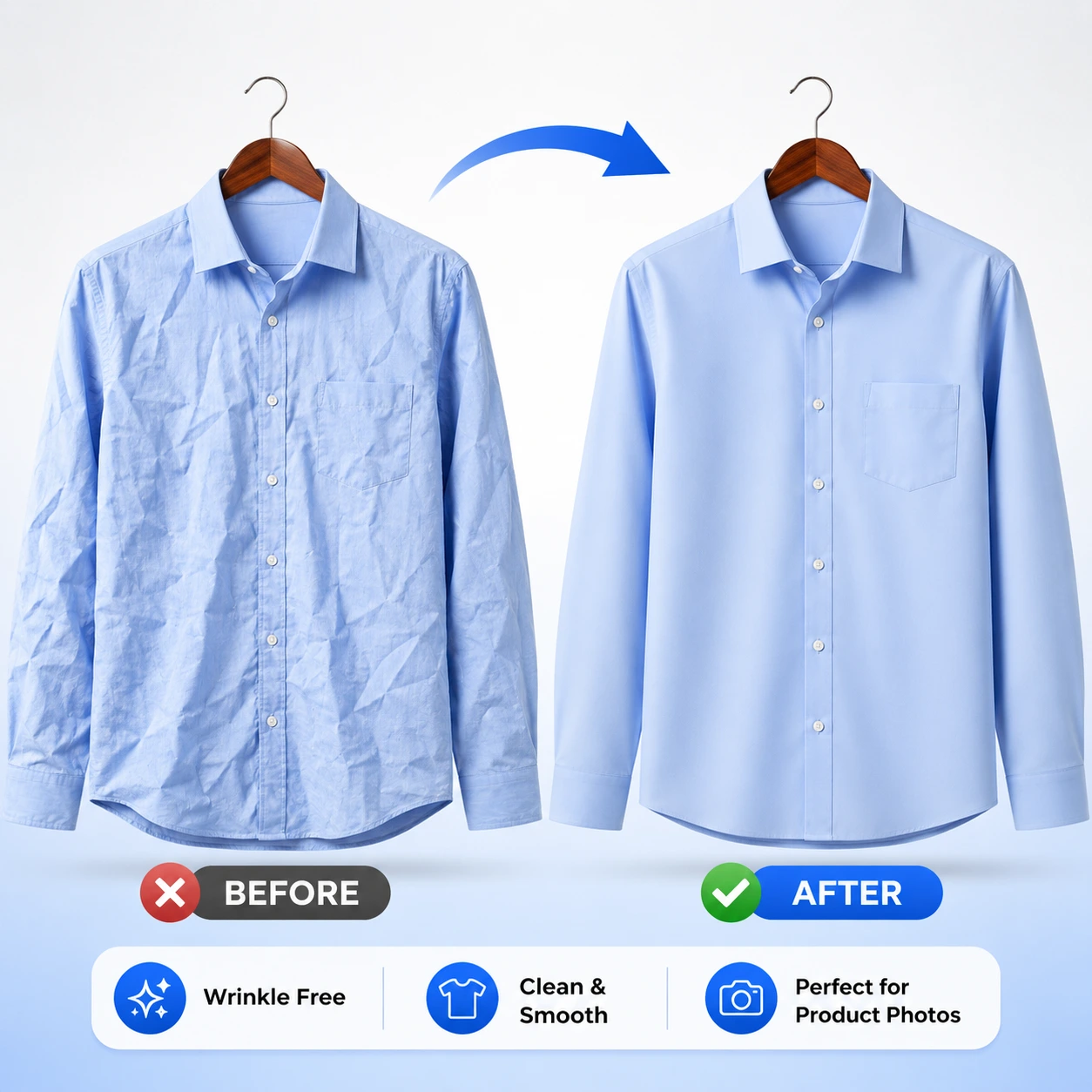
3. Step-by-Step Guide: Preparing Your Garments for the Best Visual Output
To get perfect, catalog-ready results using AfterTaken's AI Clothes Wrinkle Remover, follow these studio prep tips:
- Keep Lighting Even: Soft, diffused lighting works best. Hard, directional shadows can mimic creases and complicate the AI's detection algorithms.
- Hang Flat or Lay Flat: Whether you use model shots, ghost mannequins, or flat-lays, ensure the garment hangs naturally. Do not pull or stretch the fabric excessively.
- Shoot in High Resolution: Higher resolution photos retain more original fabric micro-textures, allowing the AI to keep details intact during reconstruction.
- Clean Backgrounds: A simple white or neutral background makes it easier for the AI to isolate the garment and apply focused wrinkle-smoothing.
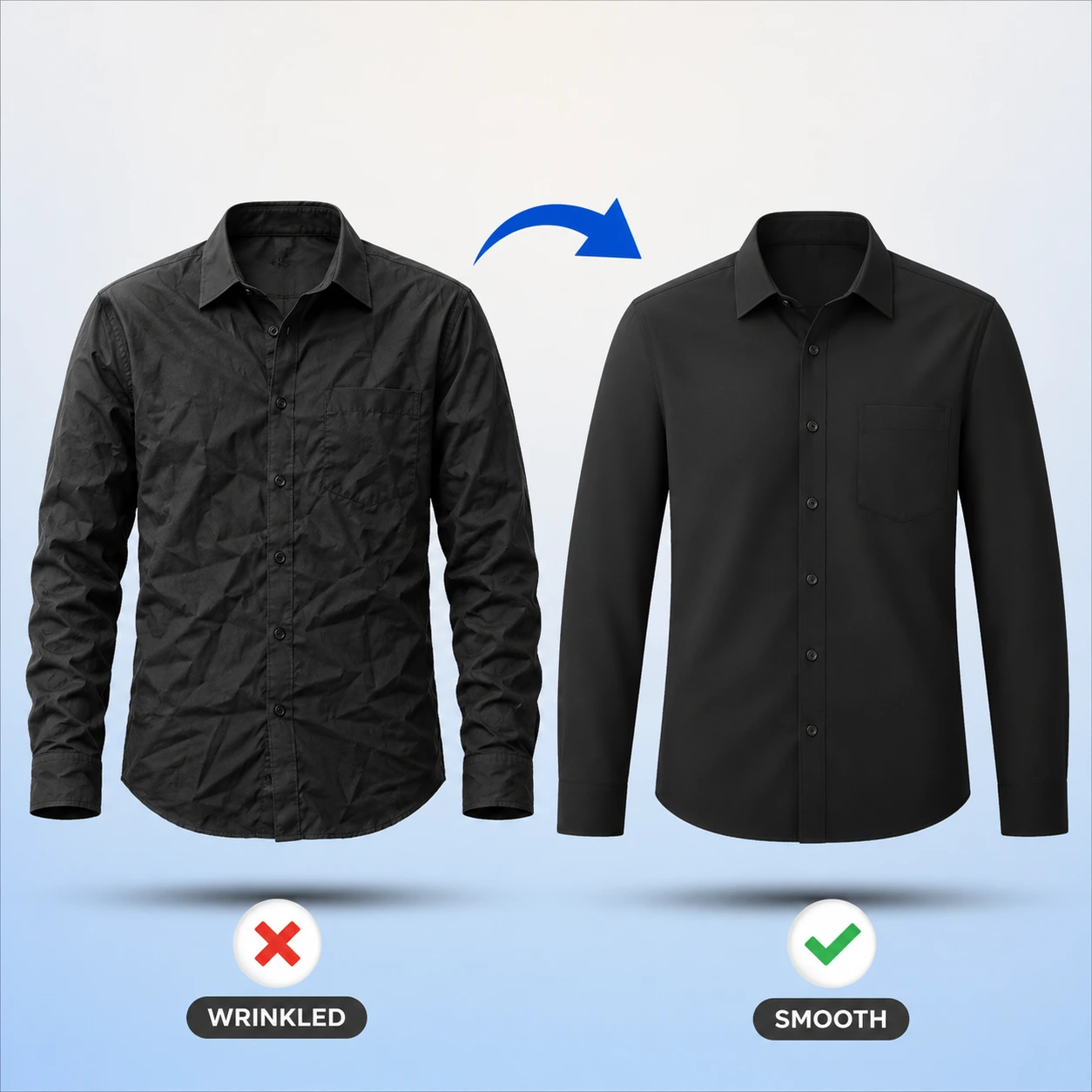
4. Why AI Wrinkle Removal Beats Manual Photoshop Retouching
Photoshop frequency separation is a powerful technique, but it has distinct limitations for modern e-commerce:
- Speed: Manual frequency separation takes 10 to 15 minutes per image. AfterTaken's AI Wrinkle Remover completes the process in less than 5 seconds.
- Skill Requirement: Retouching requires skilled graphic editors. With AI, anyone from your warehousing team can process photos instantly.
- Consistency: Manual editors can vary in style, leading to inconsistent catalog looks. The AI delivers uniform texture smoothing across every single listing.
Conclusion
In summary, fabric prep and wrinkle removal no longer need to be a manual bottleneck. By integrating AI-powered crease remover technology like AfterTaken into your workflow, you can save hours of steaming and manual retouching while keeping your catalog images completely consistent.
Start using the AI Clothes Wrinkle Remover tool to deliver pristine on-model and flat-lay graphics to your e-commerce listings today.