For every e-commerce sellers, the copyrighting of product listing is the major bottleneck and we know the headache of them. Listing generator should be easy for every seller. If you write manually your product title, description or tags then, totally is fine but you should think about customer’s point of view and SEO.
As a result, many sellers end up copying manufacturer descriptions or writing hasty, low-quality copy. This severely hurts conversions, organic search rankings, and sales. Without optimized product details and appropriate SEO tags, search engines like Google and marketplace algorithms like Amazon A10 or Flipkart Search cannot index your product correctly. This is where AI automation steps in to revolutionize listing creation.
Introducing AfterTaken's AI E-Commerce Listing Generator
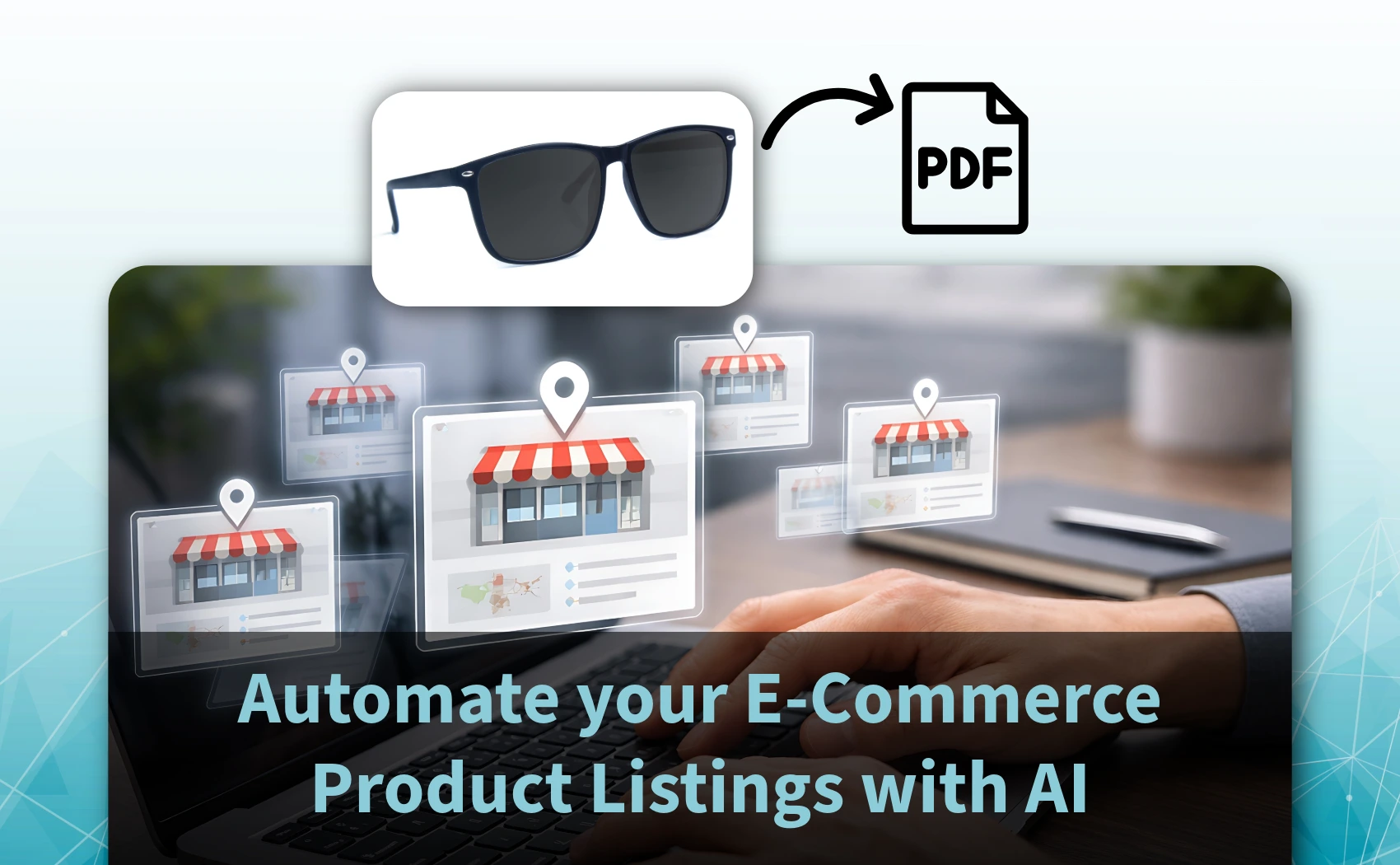
AfterTaken's Free AI E-Commerce Listing Generator is designed to eliminate writer's block and speed up store setup. Our tool uses state-of-the-art computer vision to analyze your product photo and automatically generate a complete, marketplace-ready, SEO-optimized product listing in within few seconds and you can download product listing report in PDF format for future use.
The best part? It is 100% free to use and multi-marketplace supportive such as; you can choose your favorite marketplaces (Amazon, Etsy, Flipkart, eBay and Shopify) form the list. While high-end image processing tools require credits, AfterTaken's Listing Generator does not consume any credits and has no hidden fees. You can write unlimited product listings for free, making it the perfect tool for scaling catalog volume.
What the AI Generates for Your Store
When you upload an image and click generate, the AI delivers a comprehensive, multi-section listing structured to maximize conversions and visibility:
- SEO-Optimized Product Title: A keyword-rich, attention-grabbing title that is properly structured for Amazon, Flipkart, and Shopify search algorithms.
- Recommended Product Category: The AI identifies the most relevant category node for your product, helping you catalog items correctly on marketplaces.
- 5 Key Feature Bullet Points: Five punchy, benefits-focused bullet points designed to immediately explain value, answer objections, and satisfy formatting guidelines of major channels.
- Full Product Description: A persuasive, multi-paragraph product description detailing the product's design, utility, materials, and a strong call-to-action (CTA).
- Curated SEO Tags and Keywords: A set of high-intent search tags and keywords to copy directly into your tags input fields to maximize discoverability on Google Shopping.
How to Generate Your First Listing in 3 Simple Steps
- Step 1: Upload Your Product Photo. Drag and drop a clear, well-lit image of your product in JPG, PNG, or WEBP format. The AI analyzes visual details like colors, shapes, patterns, textures, and style elements.
- Step 2: Add Optional Details (Recommended). While optional, adding up to 500 characters of context (e.g., brand name, exact material like '100% organic cotton', measurements, or target audience) guides the AI to write more precise, personalized copy.
- Step 3: Click Generate and Copy. Click the 'Generate Listing' button. Within 10 seconds, the AI outputs all sections. You can copy individual fields (like just the bullet points) or click 'Copy All' to copy everything at once.
Growth Strategies: How to Use this Tool to Explode Sales
Simply generating text is not enough; smart sellers use the AI listing tool strategically to drive business growth. Here are five actionable strategies:
- Fast SKU Expansion: If you want to grow, you need to test more products. Instead of spending hours writing copy for new items, use the AI listing generator to list 50 new products in a single afternoon, accelerating your time-to-market.
- Optimize for Organic Search Traffic (SEO): Use the AI-generated keywords and title tags. Make sure the keywords generated by the AI are placed in the backend keywords fields of Amazon or the tags section of Shopify. This helps index your page for high-intent search queries.
- Reduce Bounce Rate with Benefit-Driven Bullets: Most users skim pages. The 5 bullet points generated by AfterTaken focus heavily on customer benefits (e.g., durability, comfort, elegance) rather than dry specs. This hook keeps visitors engaged, reducing bounce rates.
- Consistent Brand Voice Across Listings: If you have multiple people writing listings, your store voice can feel disjointed. Using the AI Listing Generator ensures a uniform, professional, and grammatically perfect tone across your entire store catalog.
- Increase Catalog Quality and Indexability: Google rewards stores with thick, high-quality content. By generating full descriptions with headings and bullet points instead of brief one-liners, you signal high-quality structure to search engine crawlers.
Conclusion
Writing listings doesn't have to be a manual bottleneck. By utilizing AfterTaken's Free AI E-Commerce Listing Generator, you can transform your e-commerce workflow and create optimized listings directly from your product photos.